ROYAL CASINO NEWS

Royal Taka Mobile Casino Guide: Making Everyday Play Simpler on Your Phone
Sep 21, 2026
Mobile casino habits rarely follow a fixed schedule.
A player might open a game while relaxing at home, check the lobby during a short break, or return to a favorite title later in the evening. The device stays the same, but the connection, available time and surroundings can change completely.
That is why we think a useful mobile casino experience should adapt to everyday behavior rather than ask players to adapt to the platform.
At Royal Taka, our focus is on keeping the journey between access, game discovery, account management and support straightforward. Mobile players generally do not want to study an interface. They want to understand it almost immediately.
There are several practical ways to make that experience work better.
Make Sure You Are Starting in the Right Place
Convenience can sometimes encourage people to move too quickly.
A player sees a familiar brand name in a message or search result, taps it, and starts navigating before checking the destination. On a phone, where the address bar may occupy only a small part of the display, it is particularly easy to overlook.
For that reason, players should begin through the Royal Taka official website or another verified access point associated with the platform.
Regular visitors can bookmark the correct page in their browser. It removes an unnecessary search from future sessions and provides a familiar route back to the platform.
The same care applies when accessing the Royal Taka login page. Before entering account details, check that you are using the intended site rather than a page reached through an unfamiliar third-party link.
It takes seconds. As mobile habits go, it is a useful one to develop.
A Useful Home Screen Should Answer One Question Quickly
"What do I want to play?"
That sounds obvious, but it is a good test for a casino homepage.
Mobile screens have limited space. When too many banners, menus, notices and categories compete for that space, discovering a game becomes slower rather than easier.
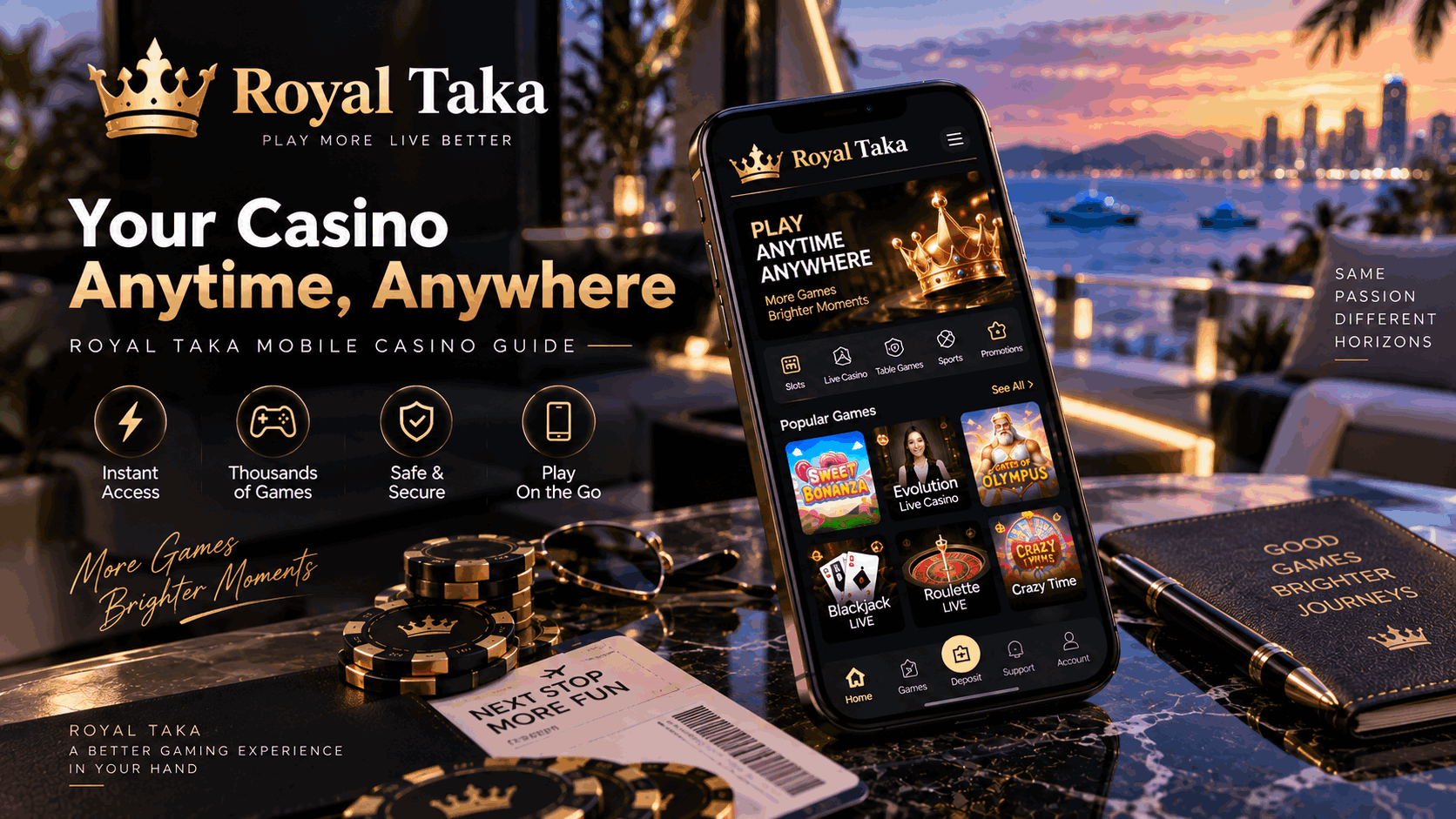
For the Royal Taka mobile casino, useful navigation means helping players move toward the content they want without forcing them through unnecessary screens.
Some visitors return directly to games they already know. Others want to browse. Recent games, recognizable categories and clearly placed navigation can support both behaviors.
This is something digital teams notice repeatedly in day-to-day platform work. Users rarely complain that a menu contains one extra step. They simply use it less often.
That difference matters.
Build a Shortlist Instead of Browsing Forever
Large game libraries create choice, but choice can become work when every session begins with endless scrolling.
A more practical approach is to build a small personal shortlist.
Browse the Royal Taka casino games catalogue and identify several titles that suit different situations. You might keep one group for quick sessions and another for times when you want to spend longer exploring a game.
Players interested in reels and straightforward touch controls can explore Royal Taka slot games and save a few familiar options rather than searching from scratch every time.
Favorites can change, of course. In fact, they probably should.
One interesting pattern across online entertainment is that people often alternate between familiarity and novelty. We return to something we already know, then eventually want something different. Casino browsing is not particularly unusual in that respect.
A useful game library should make both behaviors easy.
Portrait or Landscape? Let the Game Decide
There is no universally correct way to hold a phone while gaming.
Some titles are designed beautifully for portrait mode. They work naturally with one hand and keep important controls near the bottom of the screen.
Others benefit from landscape orientation, particularly when more information needs to remain visible at once.
When exploring Royal Taka online games, try both orientations where the title supports them. The better choice is the one that keeps controls readable and comfortable on your particular device.
Screen size also changes the equation. What feels spacious on a large smartphone may feel cramped on a compact model.
We sometimes talk about "mobile users" as though everyone has roughly the same device. They do not. That is one reason responsive design remains important even within the mobile category itself.
Live Games Need Stability More Than Perfect Conditions
The mobile experience becomes slightly more demanding when video enters the picture.
A Royal Taka live casino session has to maintain a stream while also displaying game information and interactive controls. That makes the quality of the internet connection more noticeable than it might be during lighter browsing.
For longer live sessions, a stable private Wi-Fi connection can be useful. Reliable mobile data may also perform well.
What matters is consistency.
If the connection begins fluctuating, chasing maximum video quality is not always worthwhile. A stable stream at a moderate quality can feel considerably better than a sharper image that repeatedly pauses.
There is a broader product lesson here. Technical specifications are easy to promote. Reliability is harder to put into a headline, but users notice it every day.
Your Browser Deserves Some Attention Too
The phone is only one part of a mobile web experience. The browser sits between the player and the platform.
Keeping Chrome, Safari or another mainstream browser updated can help maintain compatibility with current web technologies. Updates also address security and performance issues over time.
If Royal Taka games behave differently from normal, restarting the browser is a reasonable early troubleshooting step. Switching networks can help determine whether the connection is responsible.
A phone carrying dozens of active applications may also have fewer resources available than expected. Closing applications that are no longer being used can occasionally improve responsiveness, particularly on older devices.
There is no need to turn every gaming session into a technical maintenance routine. Most of the time, things simply work.
These checks are useful when they do not.
Keep the Account Side Organized
Gaming may be the entertaining part of a casino platform, but account management is what players notice when something needs attention.
Your Royal Taka account should use login credentials that are not reused across unrelated services. Device-level security, such as a secure screen lock, adds another practical layer of protection.
It is also worth exploring the Royal Taka account settings before you need to change something urgently.
Know where profile information is stored. Understand where relevant security options appear. Check how to reach support.
These are not features most people visit every session, and that is fine. The important thing is being able to find them without frustration when the need arises.
We have seen a similar pattern in support interactions across digital services: users are often less frustrated by the original issue than by not knowing where to go next.
Clear account navigation can prevent that second problem.
Reduce Interruptions Before They Happen
A mobile casino shares the screen with everything else your phone wants to tell you.
Messages arrive. Calendar alerts appear. Social apps send notifications. Calls can take over the display.
Before a longer session, using a Focus or Do Not Disturb setting can keep those interruptions under control.
Battery level is another simple check. Games involving animation, sound and streaming can consume power more quickly than basic browsing. Starting at 12% battery may turn the charging cable into the most important feature of the session.
Then there is screen brightness. A display that looks excellent outdoors may feel unnecessarily intense in a dark room.
These details sit outside the Royal Taka gaming platform itself, but they still shape the experience. Mobile products exist inside a device and an environment; users experience all three at the same time.
Troubleshooting Works Better When You Narrow the Problem Down
When something fails, avoid changing everything at once.
Suppose a game stops loading. Try another title first. If other games work normally, you have already learned something useful.
If several pages respond slowly, check the connection. If the connection looks stable, restart the browser. Persistent display problems may sometimes be related to stored browser data or an outdated browser version.
When basic checks do not solve the issue, contact Royal Taka customer support.
The quality of the information you provide can make a real difference. Include the game name, device, browser and a short description of what happened. If an error message appeared, note its wording or capture a screenshot when appropriate.
Support teams work much faster with reproducible information.
"Nothing works" describes frustration.
"The game returns to the lobby after the loading screen" describes a problem.
That small difference is surprisingly valuable in real platform operations.
Mobile Access Makes Personal Limits More Important
One characteristic separates smartphones from most other gaming devices: they are almost always nearby.
There is no need to sit at a desk or turn on another machine. That ease of access is convenient, but it also makes intentional playing habits worthwhile.
Decide what level of spending fits your entertainment budget and consider how long you want a session to last. Where provided, responsible gaming tools can help support personal limits and account management.
Regular breaks are useful as well.
Casino games involve financial risk, and results are uncertain. Mobile convenience, game choice or technical optimization cannot guarantee winning outcomes. The purpose of improving the mobile experience is to make navigation and gameplay more usable—not to change those underlying odds.
Mobile Design Is Moving Toward Less Friction, Not More Features
There will always be room for new technology in online gaming.
Phones will become faster. Networks will carry more data. Game developers will find new ways to use richer graphics, video and interaction.
But adding capabilities is not the same as improving an experience.
From a platform perspective, some of the most valuable improvements are remarkably ordinary: a page opening faster, a favorite game taking fewer taps to reach, account controls appearing where expected, or a live stream staying stable when network conditions change.
That is how we think about the Royal Taka mobile gaming experience. Good technology should quietly support the session rather than constantly announce itself.
And this is where player observations become genuinely useful. What is the first thing you notice when a mobile casino experience feels good—or frustrating? Is it loading speed, game navigation, screen layout, live streaming, account access, or something smaller that platforms tend to overlook?
Share your thoughts. Those seemingly minor details are often where the next meaningful mobile improvement begins.